Make AI art from a few words. Start free.
Describe a picture and PixiLume draws it with FLUX, Google Imagen, Nano Banana or Seedream. Sign up free to get 50 credits, then claim 10 Basic credits every day.
- Free account, no card needed
- No visible watermark
- Commercial use on every plan
Picture gallery
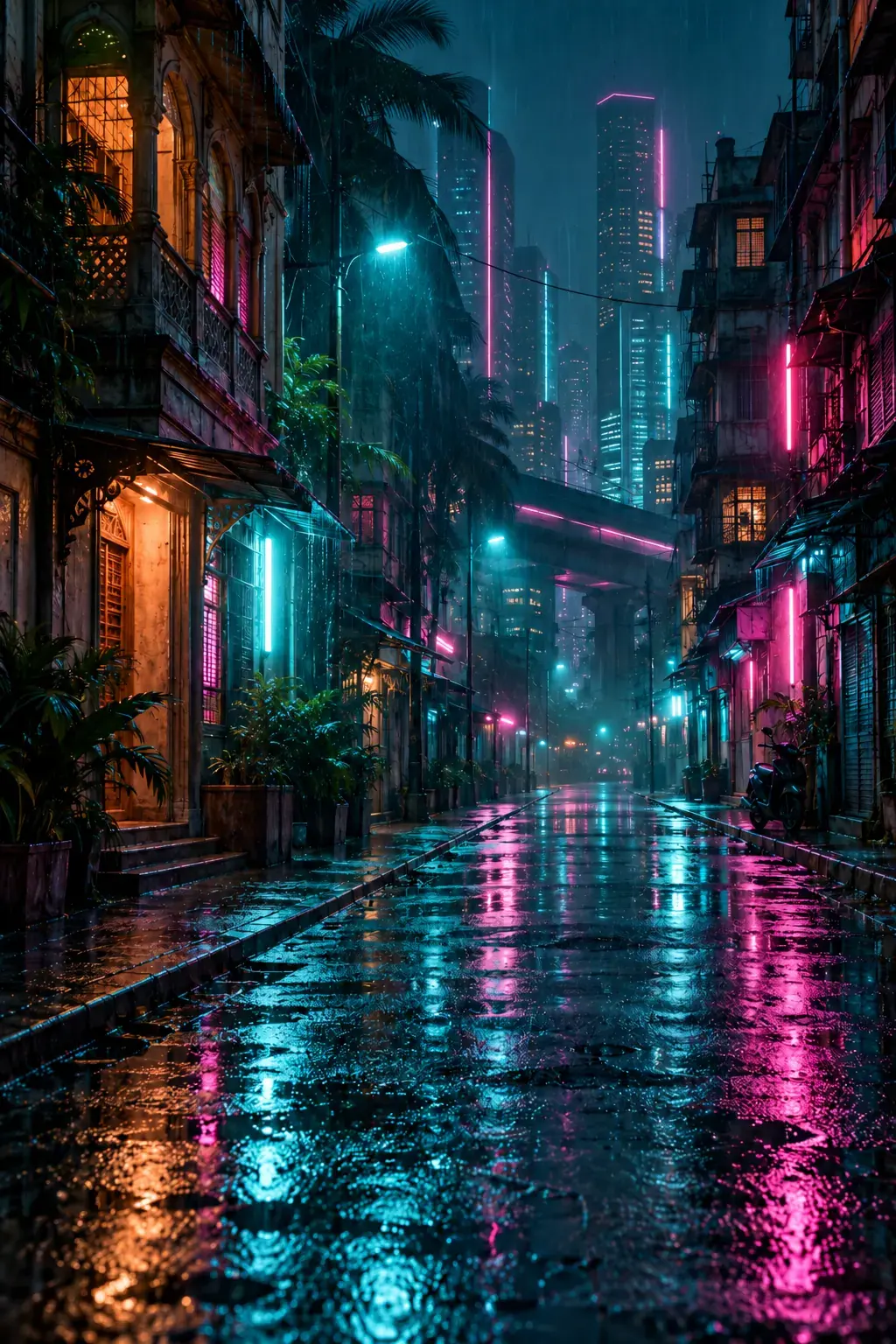
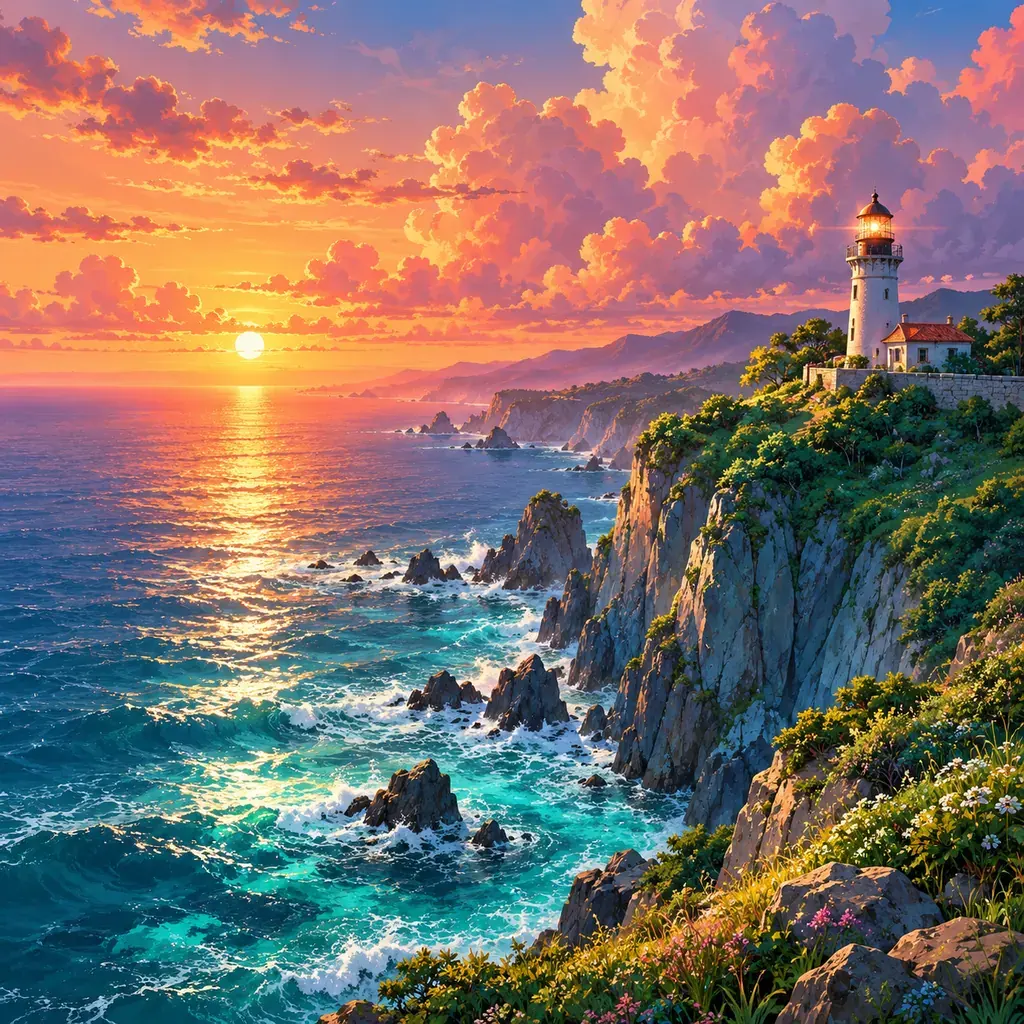
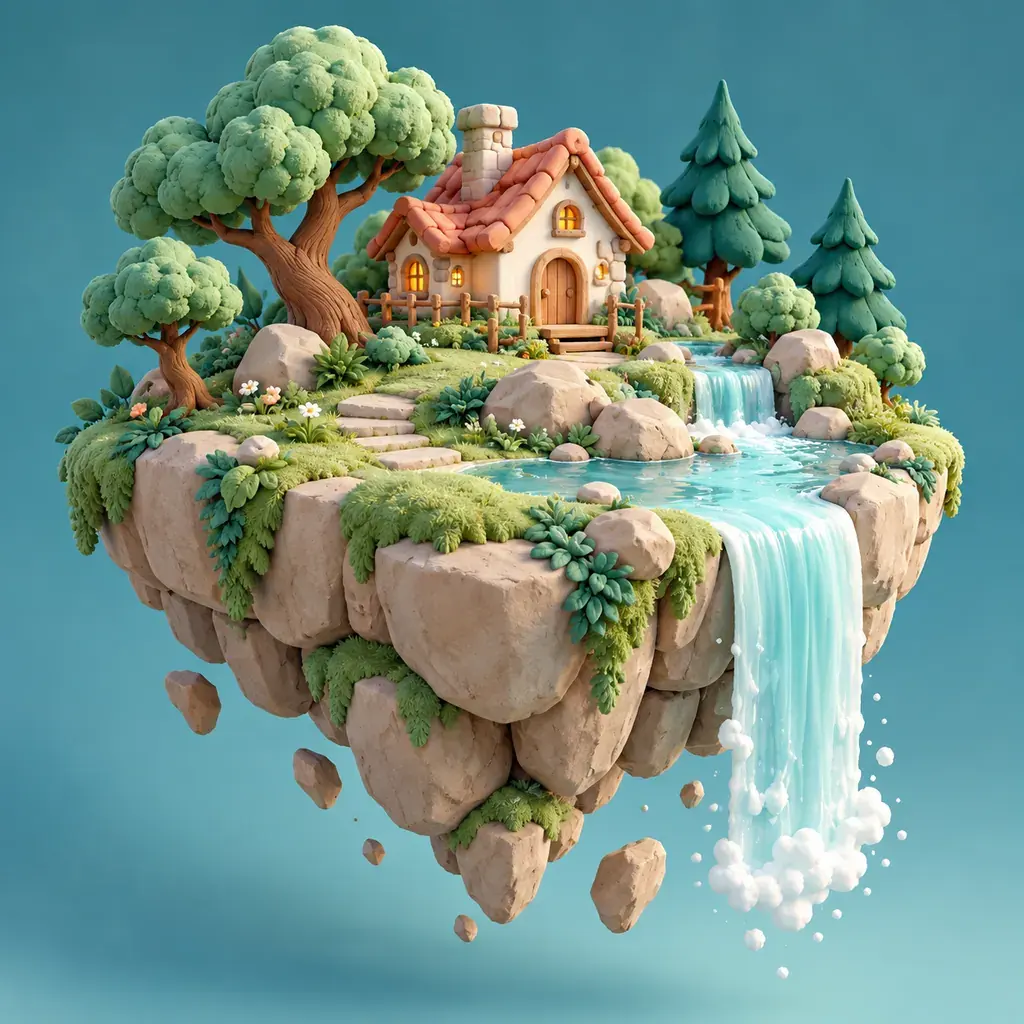
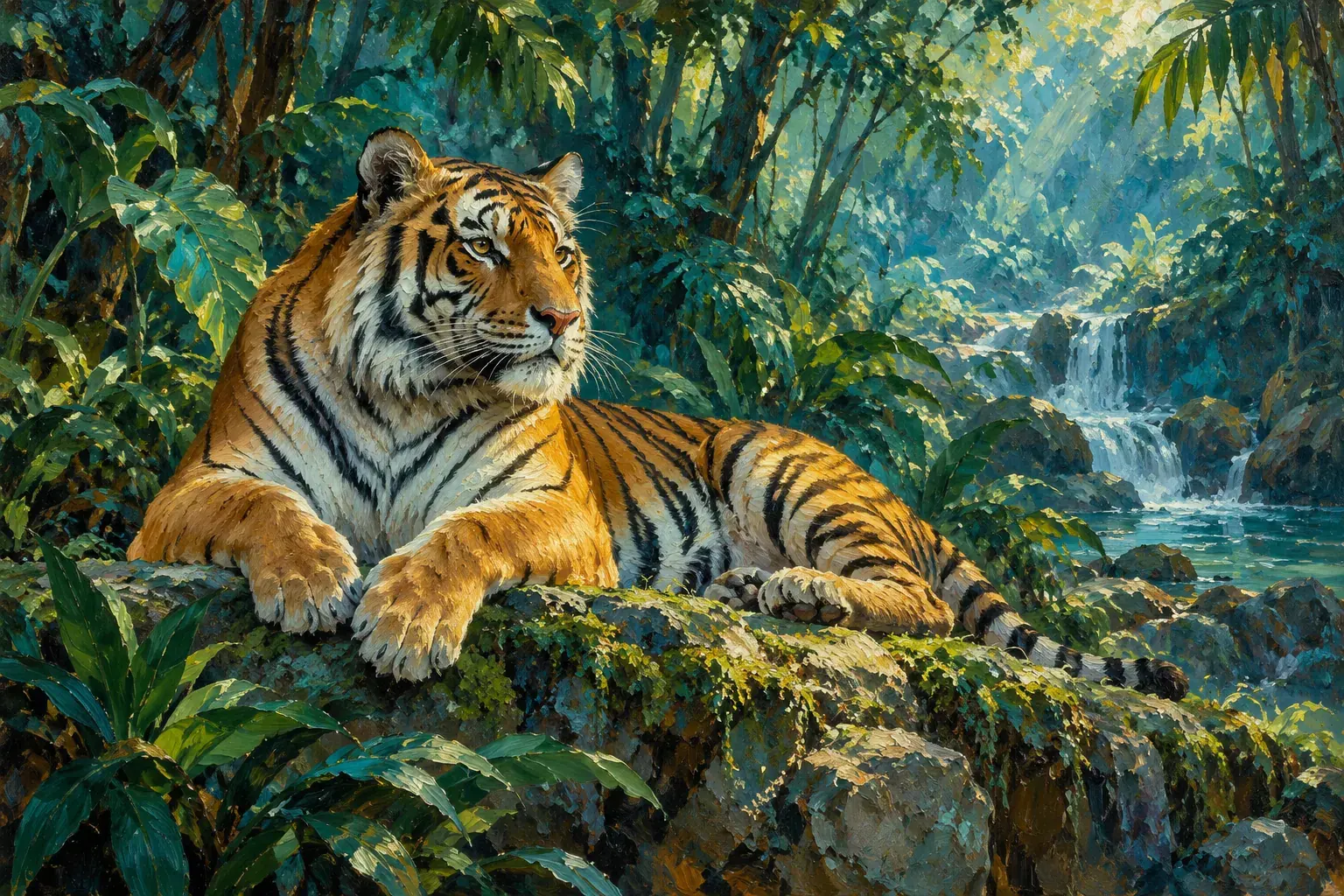
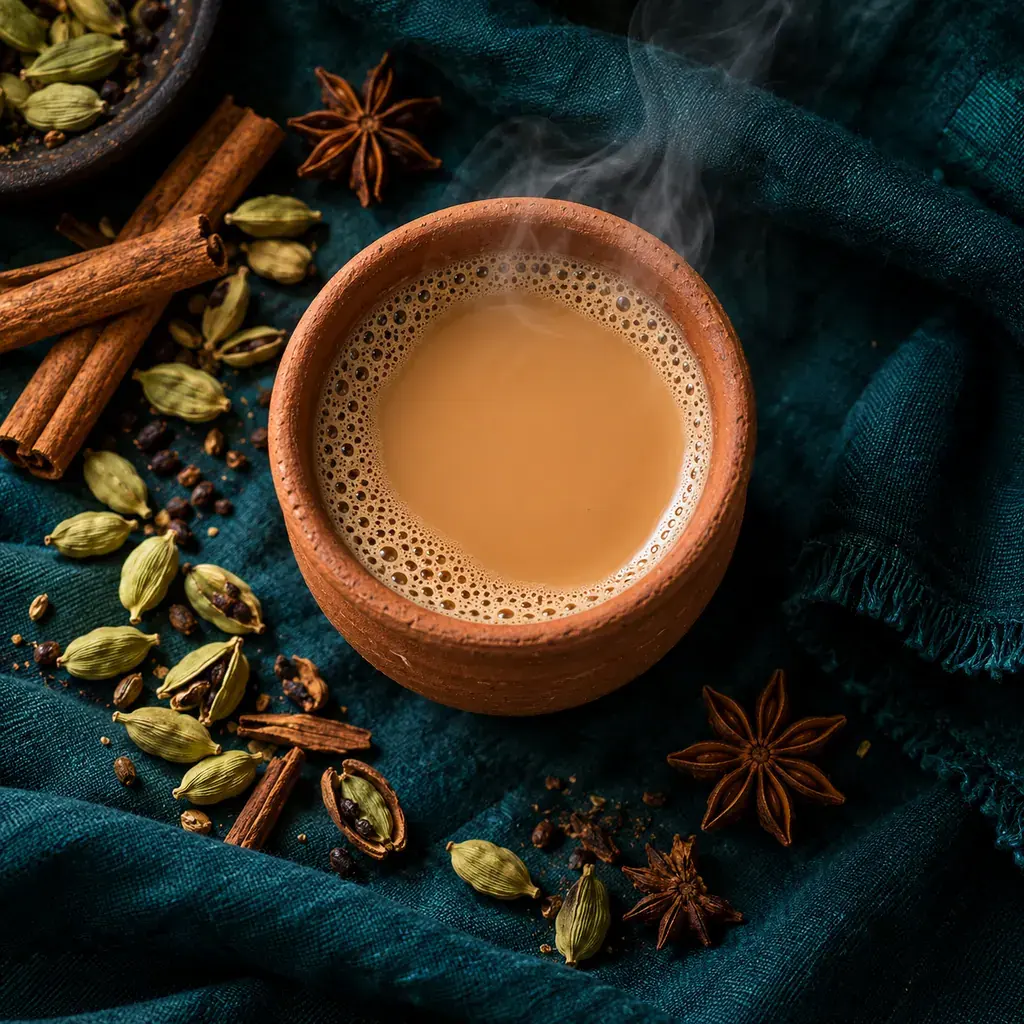
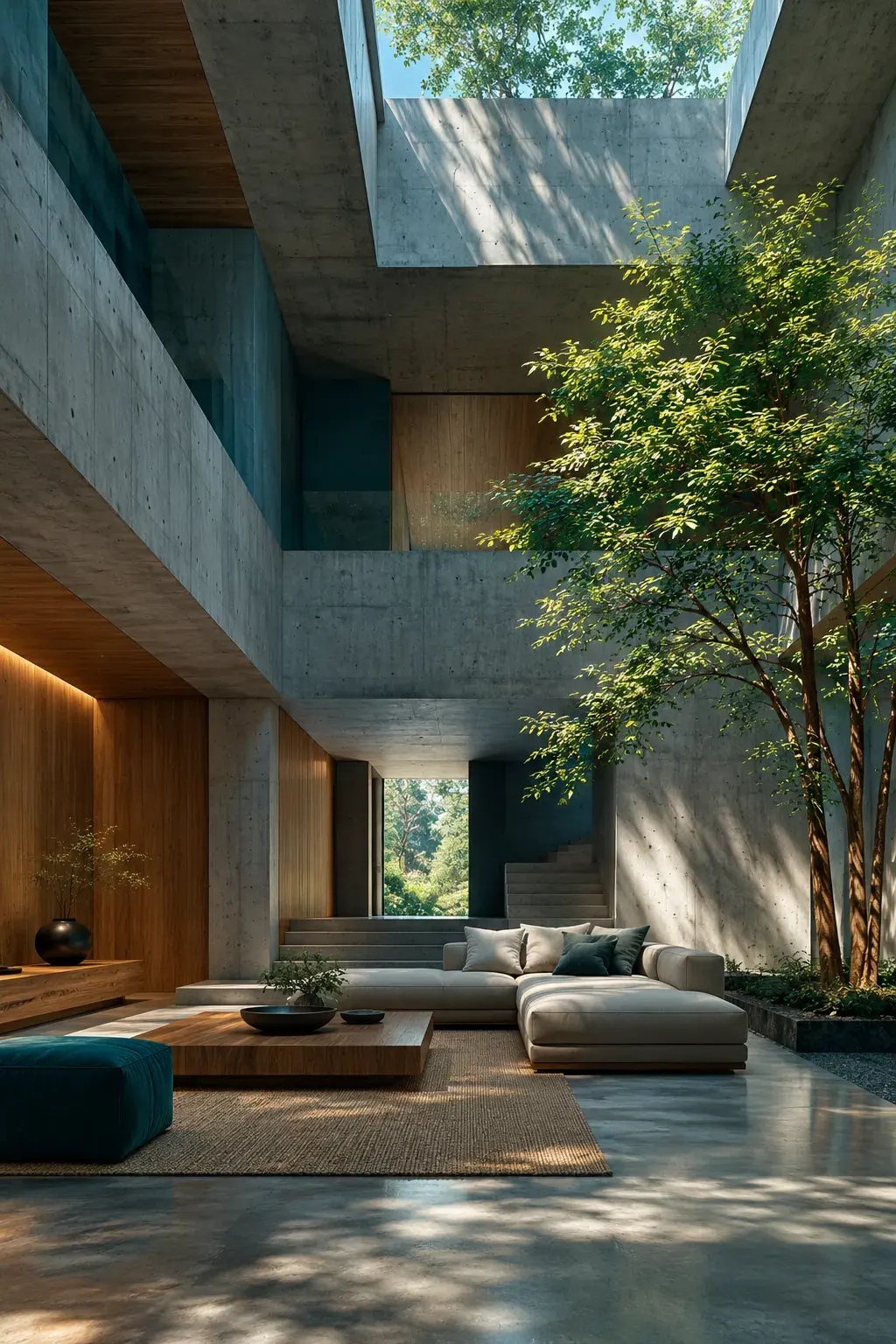
Free to start. Clear about the limits.
Here is exactly what you get without paying, and what changes if you upgrade.
50 credits when you sign up
Use them in the Studio on FLUX, Imagen, Nano Banana or Seedream, or in the YouTube Thumbnail Maker.
10 Basic credits to claim daily
Claim them each day you sign in and keep making images with the Basic model.
No visible watermark
Download clean files. There is no logo stamped on your images.
Commercial use on every plan
Including Free. Use your images in posts, products and ads, as set out in our Terms.
From words to a picture in three steps.
Step 1
Create a free account
Sign up with your email or Google. No card needed.
Step 2
Describe your picture
Type what you want to see, pick a model and a size.
Step 3
Download and use it
Save the image, try another version, or send it to a tool for the next job.
Better words, better pictures.
A good prompt answers four questions. Start short, look at the result, then add one detail at a time.
- Subject
- Say what is in the picture: “a clay cup of masala chai”.
- Setting
- Add where it is: “on a wooden table by a window”.
- Style
- Name a look: “food photo”, “watercolour”, “anime”, “3D clay render”.
- Light
- Set the mood: “soft morning light”, “golden hour”, “neon glow”.
Some jobs have their own tool.
Each tool does one job with the right sizes and a fixed price. Same account, same credits.
Your first picture is a sentence away.
Create a free account and get 50 credits. Then claim 10 Basic credits every day.
Free account, no card needed.